

Declines that count
- Insufficient funds: the card doesn’t have enough balance for the payment.
- Inactive card: a payment is attempted on a frozen card.
- Reversed authorization: a payment was approved but the merchant never completed it, so it was reversed.
What each limit costs
The number of charged declines is always one less than the limit.
At the default limit of 3:
A higher limit gives a card more room before it is terminated, but more of its declines are charged.
Set the limit
1
Open the card decline limit
Sign in to the dashboard and go to Settings > Controls > Card decline limit. Maximum consecutive declines shows your current limit.
2
Enter a new limit
Select Edit, then enter a whole number from 2 to 11 in Maximum consecutive declines. A limit of 1 isn’t allowed.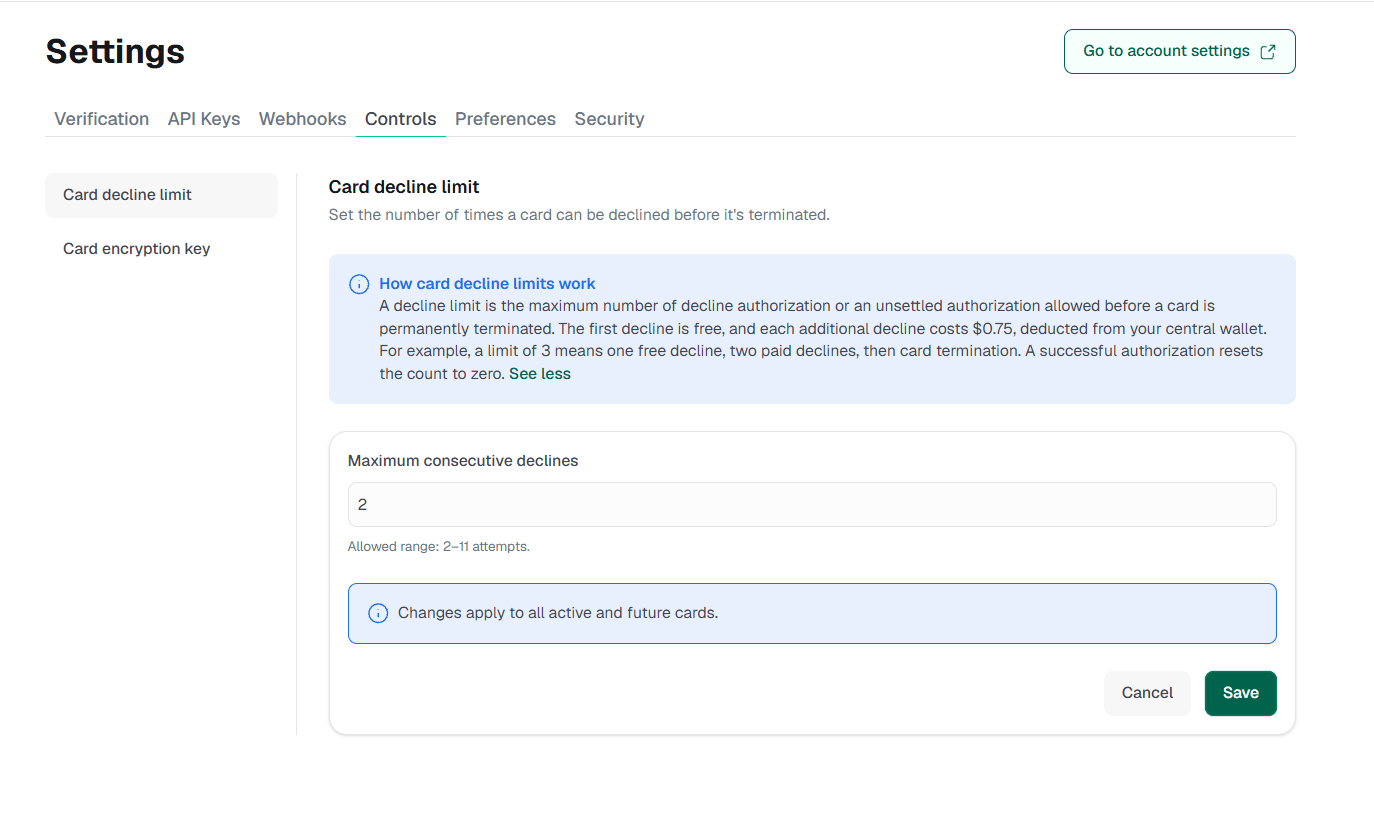
3
Save
Select Save. The new limit applies to all your active cards and to any card you create afterward.
Who it applies to
The limit applies to every standard card on your business: both team cards and customer cards.Where the fees come from
Decline fees are taken from your business’s central wallet. If the wallet doesn’t have enough to cover a fee, the fee is still recorded and is settled the next time the wallet is funded. A short wallet doesn’t terminate the card.Terminated cards
Termination is final. A terminated card can’t be reactivated, and raising the limit doesn’t bring it back. To keep transacting, create a new card. The standard $1.00 creation fee applies.Track declines
Each decline fee sends avirtualcard.transaction.declined.charge webhook. Its violationCount field shows how many declines the card has reached, so you can warn the cardholder or fund the card before it hits the limit. See Fees and decline rules.